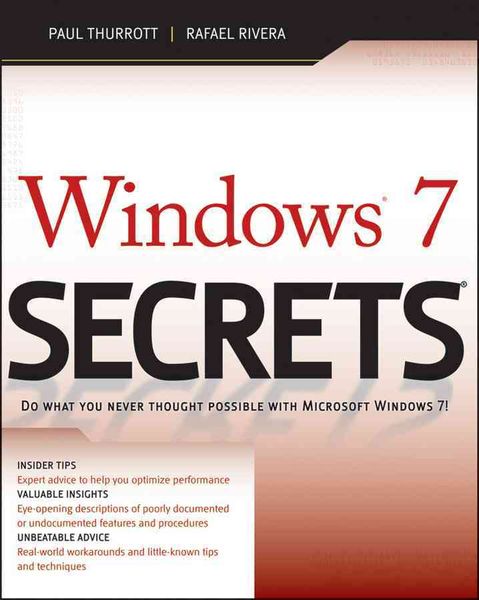
Windows 7 Secrets Do What You Never Thought Possible With Windows 7!
Aus der Reihe
Secrets
-
- Taschenbuch ausgewählt
- eBook
-
Sprache:Englisch
Fr. 68.90
inkl. gesetzl. MwSt.,
Beschreibung
Produktdetails
Einband
Taschenbuch
Erscheinungsdatum
01.09.2009
Verlag
John Wiley & Sons IncSeitenzahl
1104
Maße (L/B/H)
23.4/18.8/5.7 cm
Gewicht
1596 g
Auflage
1. Auflage
Sprache
Englisch
ISBN
978-0-470-50841-1
Tips, tricks, treats, and secrets revealed on the latest operating system from Microsoft: Windows 7
You already know the ups and downs of Windows Vista-now it's time to learn the ins and outs of Windows 7! Internationally recognized Windows experts, Microsoft insiders, and authors Paul Thurrott and Rafael Rivera cut through the hype to pull away the curtain and reveal useful information not found anywhere else. Regardless of your level of knowledge, you'll discover little-known facts on how things work, what's new and different, and how you can modify Windows 7 to meet your own specific needs.
A witty, conversational tone tells you what you need to know to go from Windows user to Windows expert and doesn't waste time with basic computer topics while point-by-point comparisons demonstrate the difference between Windows 7 features and functionality to those in Windows XP and Vista.
* Windows 7 is the exciting update to Microsoft's operating system
* Authors are internationally known Windows experts and Microsoft insiders
* Exposes tips, tricks, and secrets on the new features and functionality of Windows 7
* Reveals best practices for customizing the system to work for you
* Investigates the differences between Windows 7 and previous versions of Windows
No need to whisper! Window 7 Secrets is the ultimate insider's guide to Microsoft's most exciting Windows version in years.
You already know the ups and downs of Windows Vista-now it's time to learn the ins and outs of Windows 7! Internationally recognized Windows experts, Microsoft insiders, and authors Paul Thurrott and Rafael Rivera cut through the hype to pull away the curtain and reveal useful information not found anywhere else. Regardless of your level of knowledge, you'll discover little-known facts on how things work, what's new and different, and how you can modify Windows 7 to meet your own specific needs.
A witty, conversational tone tells you what you need to know to go from Windows user to Windows expert and doesn't waste time with basic computer topics while point-by-point comparisons demonstrate the difference between Windows 7 features and functionality to those in Windows XP and Vista.
* Windows 7 is the exciting update to Microsoft's operating system
* Authors are internationally known Windows experts and Microsoft insiders
* Exposes tips, tricks, and secrets on the new features and functionality of Windows 7
* Reveals best practices for customizing the system to work for you
* Investigates the differences between Windows 7 and previous versions of Windows
No need to whisper! Window 7 Secrets is the ultimate insider's guide to Microsoft's most exciting Windows version in years.
Kundinnen und Kunden meinen
Verfassen Sie die erste Bewertung zu diesem Artikel
Helfen Sie anderen Kund*innen durch Ihre Meinung