Band 610
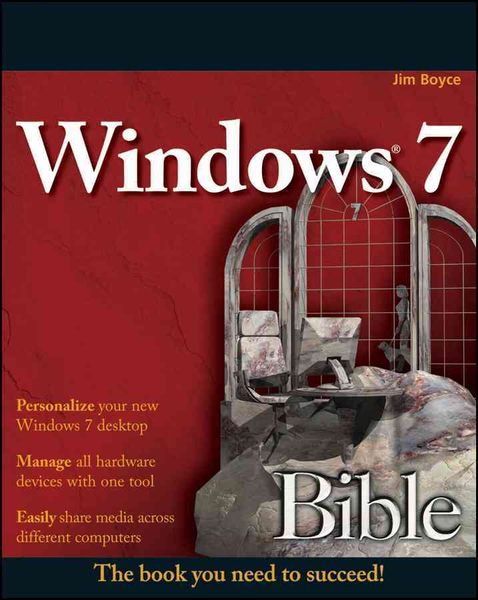
Windows 7 Bible The book you need to succeed!
Aus der Reihe
Bible
-
- Taschenbuch ausgewählt
- eBook
-
Sprache:Englisch
Fr. 58.90
inkl. gesetzl. MwSt.,
Beschreibung
Produktdetails
Einband
Taschenbuch
Erscheinungsdatum
01.09.2009
Verlag
John Wiley & SonsSeitenzahl
1272
Maße (L/B/H)
23.5/19/6.8 cm
Gewicht
1606 g
Auflage
3. Auflage
Sprache
Englisch
ISBN
978-0-470-50909-8
This comprehensive reference by a Microsoft expert covers all aspects of the new Windows release
The much-anticipated release of Windows 7 will have numerous changes, and you'll need a complete guide to take full advantage of all it has to offer. Windows 7 Bible covers navigation changes such as pinning to the task bar, full screen preview with invisible windows, Jump Lists, Home Group, Sticky Notes, and many others. It shows you how to use Internet Explorer 8, including features like Web Slices and Network view changes, and guides you through all the new desktop features.
This reference thoroughly examines all three parts of the new platform: Windows 7 Core OS, the Windows Live applications, and Windows Live Services. Windows 7 Bible shows you everything you need to know to make the most of Microsoft's new operating system.
* Covers Windows Live Essentials, including Windows Live Family Safety, Mail, Messenger, Movie Maker, Photo Gallery, Toolbar, Writer, and Microsoft Office Outlook Connector
* Shows how to use Windows Live Services, including Hotmail and Spaces
* Explores new features including Desktop Gadgets Gallery, Desktop Windows manager, updated Fax and DVD Maker, an updated "Devices and Printers" option, and Sticky Notes
* Explains new features in the Calculator, ribbon features in applets such as Paint and WordPad, the new Media Center, and searching updates
* Fully covers the first complete overhaul of applets in a decade
With Windows 7 Bible at your side, you can learn as much or as little as you need to know for the way you use Windows.
The much-anticipated release of Windows 7 will have numerous changes, and you'll need a complete guide to take full advantage of all it has to offer. Windows 7 Bible covers navigation changes such as pinning to the task bar, full screen preview with invisible windows, Jump Lists, Home Group, Sticky Notes, and many others. It shows you how to use Internet Explorer 8, including features like Web Slices and Network view changes, and guides you through all the new desktop features.
This reference thoroughly examines all three parts of the new platform: Windows 7 Core OS, the Windows Live applications, and Windows Live Services. Windows 7 Bible shows you everything you need to know to make the most of Microsoft's new operating system.
* Covers Windows Live Essentials, including Windows Live Family Safety, Mail, Messenger, Movie Maker, Photo Gallery, Toolbar, Writer, and Microsoft Office Outlook Connector
* Shows how to use Windows Live Services, including Hotmail and Spaces
* Explores new features including Desktop Gadgets Gallery, Desktop Windows manager, updated Fax and DVD Maker, an updated "Devices and Printers" option, and Sticky Notes
* Explains new features in the Calculator, ribbon features in applets such as Paint and WordPad, the new Media Center, and searching updates
* Fully covers the first complete overhaul of applets in a decade
With Windows 7 Bible at your side, you can learn as much or as little as you need to know for the way you use Windows.
Kundinnen und Kunden meinen
Verfassen Sie die erste Bewertung zu diesem Artikel
Helfen Sie anderen Kund*innen durch Ihre Meinung