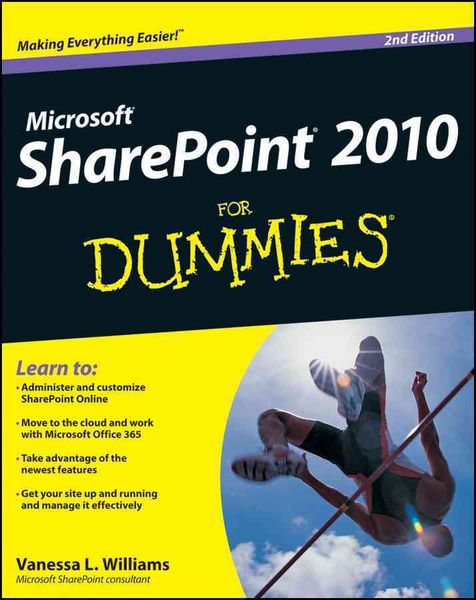
SharePoint 2010 For Dummies
-
- Taschenbuch ausgewählt
- eBook
-
Sprache:Englisch
Fr. 42.90
inkl. gesetzl. MwSt.,
Beschreibung
Produktdetails
Einband
Taschenbuch
Erscheinungsdatum
22.06.2012
Abbildungen
mit Illustrationen
Verlag
John Wiley & Sons IncSeitenzahl
504
Maße (L/B/H)
23/18.6/2.7 cm
Gewicht
752 g
Auflage
2. Auflage
Sprache
Englisch
ISBN
978-1-118-27381-4
Here's the bestselling guide on SharePoint 2010, updated to cover Office 365
SharePoint Portal Server is an essential part of the enterprise infrastructure for many businesses. The Office 365 version includes significantly enhanced cloud capabilities. This second edition of the bestselling guide to SharePoint covers getting a SharePoint site up and running, branded, populated with content, and more. It explains ongoing site management and offers plenty of advice for administrators who want to leverage SharePoint and Office 365 in various ways.
* Many businesses today rely on SharePoint Portal Server to aggregate SharePoint sites, information, and applications into a single portal
* This updated edition covers the enhanced cloud capacities of Office 365 and Microsoft SharePoint Online
* Shows how to use SharePoint to leverage data centers and collaborate with both internal and external customers, including partners and clients
* Covers getting a site up and running, populating it with content, branding it, and managing the site long term
Administrators and small-business website managers will find SharePoint 2010 For Dummies, 2nd Edition gives them the information they need to make the most of this technology.
SharePoint Portal Server is an essential part of the enterprise infrastructure for many businesses. The Office 365 version includes significantly enhanced cloud capabilities. This second edition of the bestselling guide to SharePoint covers getting a SharePoint site up and running, branded, populated with content, and more. It explains ongoing site management and offers plenty of advice for administrators who want to leverage SharePoint and Office 365 in various ways.
* Many businesses today rely on SharePoint Portal Server to aggregate SharePoint sites, information, and applications into a single portal
* This updated edition covers the enhanced cloud capacities of Office 365 and Microsoft SharePoint Online
* Shows how to use SharePoint to leverage data centers and collaborate with both internal and external customers, including partners and clients
* Covers getting a site up and running, populating it with content, branding it, and managing the site long term
Administrators and small-business website managers will find SharePoint 2010 For Dummies, 2nd Edition gives them the information they need to make the most of this technology.
Kundinnen und Kunden meinen
Verfassen Sie die erste Bewertung zu diesem Artikel
Helfen Sie anderen Kund*innen durch Ihre Meinung