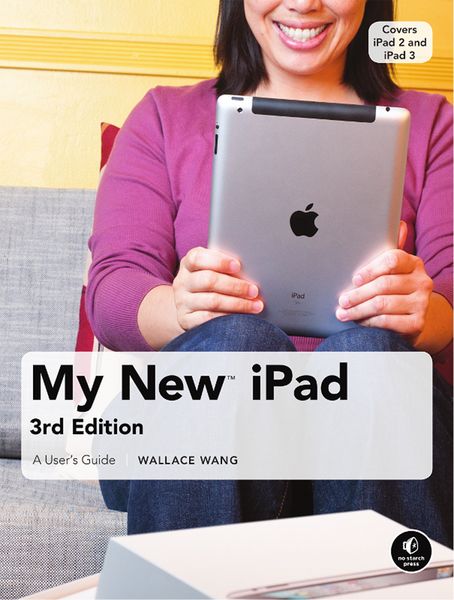
My New iPad A User's Guide
Aus der Reihe
My New... (No Starch Press)
-
- Englisch ausgewählt
-
Auflage:3. Auflage (3rd Edition)
Fr. 38.90
inkl. gesetzl. MwSt.,
Beschreibung
Produktdetails
Einband
Taschenbuch
Erscheinungsdatum
01.08.2012
Abbildungen
w. Illustrationen
Verlag
No Starch Press,USSeitenzahl
310
Maße (L/B/H)
23.6/17.8/2 cm
Gewicht
623 g
Auflage
3. Auflage (3rd Edition)
Sprache
Englisch
ISBN
978-1-59327-429-0
The new iPad is cute. It's loveavble. It's fun to play with. Bit it can also be a bit mysterious. My New iPad is your guide to getting th most from Apple's latest magical creation. Bestselling author Wallace Wang's patient, step-by-step instructons will have you using your new iPad to:
- Find your way using the Maps app and the iPad's compass
- Get organized with the Notes, Reminders, Calendar, and Contacts apps
- Set up your email accounts and browse the Web
- Use dictation and keyboard shortcuts to save time typing
- Listen to music, read ebooks and magazines, and take photos and videos
- Use FaceTime to talk face-to-face with distant friends and relatives
- Shop on iTunes and the App Store for the best new music, apps, movies, games, magazines, and books
- Set parental controls, use a secret passcode, and encrypt your backups for maximum privacy
And so much more. You'll even learn top-secret touch gestures to help you make the most of your iPad. Discover the hundreds of amazing things your iPad can do with My new iPad.
- Find your way using the Maps app and the iPad's compass
- Get organized with the Notes, Reminders, Calendar, and Contacts apps
- Set up your email accounts and browse the Web
- Use dictation and keyboard shortcuts to save time typing
- Listen to music, read ebooks and magazines, and take photos and videos
- Use FaceTime to talk face-to-face with distant friends and relatives
- Shop on iTunes and the App Store for the best new music, apps, movies, games, magazines, and books
- Set parental controls, use a secret passcode, and encrypt your backups for maximum privacy
And so much more. You'll even learn top-secret touch gestures to help you make the most of your iPad. Discover the hundreds of amazing things your iPad can do with My new iPad.
Noch keine Bewertungen vorhanden
Verfassen Sie die erste Bewertung zu diesem Artikel
Helfen Sie anderen Kundinnen und Kunden durch Ihre Meinung.