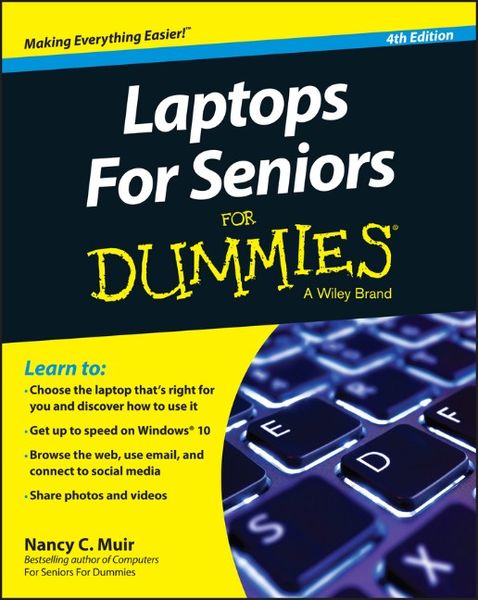
Laptops For Seniors For Dummies 4th Edition
-
- Englisch ausgewählt
-
Verlag:John Wiley & Sons
- Wiley Fr. 41.90
- John Wiley & Sons Fr. 37.90 ausgewählt
-
Auflage:4. Auflage
Fr. 37.90
inkl. gesetzl. MwSt.,
Beschreibung
Produktdetails
Einband
Taschenbuch
Erscheinungsdatum
30.10.2015
Verlag
John Wiley & SonsSeitenzahl
432
Maße (L/B/H)
23.5/18.9/2.1 cm
Gewicht
576 g
Auflage
4. Auflage
Sprache
Englisch
ISBN
978-1-119-04957-9
The go-to guide for learning the ins and outs of laptop computers!
Over 50 and still want to learn how to get the most out of your laptop? Laptops For Seniors For Dummies is your ideal guide. No experience? No problem! This book walks you step by step through the setup, navigation, software, email, using the Internet safely, and more. This new edition uses larger type and larger figures for easier reading, and each chapter opens with an outline of tasks covered so you can find the answers you need quickly. Tips, warnings, and notes are highlighted to help you develop positive habits and avoid common pitfalls, and the uncluttered layout makes navigation a breeze. You'll learn how to choose a new laptop, how to set it up, how to get around the Windows 10 operating system, and how to get things done. Coverage includes information on battery life, wireless printing, connectivity, online data storage, Internet safety, the new Windows OS, synching to your mobile phone, and more!
Laptops allow you to do just about everything you can do on a traditional desktop computer, just without the bulky hardware and the tangled mess of cords. This book will show you everything you need to know about working -- and playing --with your new device.
* Discover which laptop is best for you
* Get set up and start using the keyboard and mouse
* Find your way around Windows 10 and the Office applications
* Safely use the internet for shopping,social networking, emailing, research, and more
Stop being chained to your clunky old desktop computer! Laptops For Seniors For Dummies is the clear, friendly guide to using your new laptop on the go, like a pro.
Over 50 and still want to learn how to get the most out of your laptop? Laptops For Seniors For Dummies is your ideal guide. No experience? No problem! This book walks you step by step through the setup, navigation, software, email, using the Internet safely, and more. This new edition uses larger type and larger figures for easier reading, and each chapter opens with an outline of tasks covered so you can find the answers you need quickly. Tips, warnings, and notes are highlighted to help you develop positive habits and avoid common pitfalls, and the uncluttered layout makes navigation a breeze. You'll learn how to choose a new laptop, how to set it up, how to get around the Windows 10 operating system, and how to get things done. Coverage includes information on battery life, wireless printing, connectivity, online data storage, Internet safety, the new Windows OS, synching to your mobile phone, and more!
Laptops allow you to do just about everything you can do on a traditional desktop computer, just without the bulky hardware and the tangled mess of cords. This book will show you everything you need to know about working -- and playing --with your new device.
* Discover which laptop is best for you
* Get set up and start using the keyboard and mouse
* Find your way around Windows 10 and the Office applications
* Safely use the internet for shopping,social networking, emailing, research, and more
Stop being chained to your clunky old desktop computer! Laptops For Seniors For Dummies is the clear, friendly guide to using your new laptop on the go, like a pro.
Noch keine Bewertungen vorhanden
Verfassen Sie die erste Bewertung zu diesem Artikel
Helfen Sie anderen Kundinnen und Kunden durch Ihre Meinung.