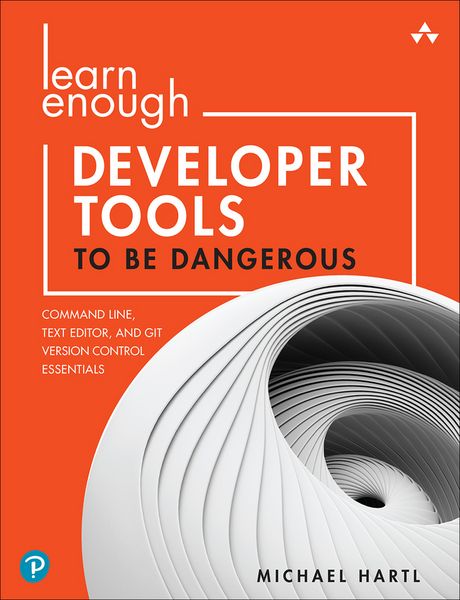
Learn Enough Developer Tools to Be Dangerous: Command Line, Text Editor, and Git Version Control Essentials
-
- Taschenbuch ausgewählt
- eBook
-
Sprache:Englisch
Fr. 41.90
inkl. gesetzl. MwSt.,
Beschreibung
Produktdetails
Einband
Taschenbuch
Erscheinungsdatum
25.04.2022
Verlag
Pearson Education LimitedSeitenzahl
368
Maße (L/B/H)
23.5/17.8/2 cm
Gewicht
627 g
Auflage
1
Sprache
Englisch
ISBN
978-0-13-784345-9
All You Need to Know, and Nothing You Don't, About Core Tools for Software Development
Three of the core tools needed for modern software development are the Unix command line, a text editor, and version control with Git. But you don't need to learn "everything" about them, just how to use them efficiently to solve real problems. In
Learn Enough Developer Tools to Be Dangerous,
renowned instructor Michael Hartl teaches the specific concepts, skills, and approaches you need so you can learn to write apps, get hired, collaborate, and maybe even launch your own company.
Even if you've never used (or even
heard of
) these tools before, Hartl helps you quickly build technical sophistication and master the lore you need to succeed. Focused exercises help you internalize what matters, without wasting time on details pros don't care about. Soon, it'll be like you were born knowing this stuff--and you'll be suddenly, seriously
dangerous
.
Learn enough about . . .
- Running a terminal, entering and editing commands, and using man pages
- Manipulating and inspecting files: from basic copying to finding patterns
- Organizing files with directories
- Learning Minimum Viable Vim
- Basic and advanced editing techniques with editors like Atom and VS Code
- Using the human-readable Markdown language for writing quick documentation
- Formatting source code and writing executable scripts
- Getting started with Git and GitHub
- Using key Git workflows: commit, push, branch, merge, and more
- Collaborating on Git projects and resolving code conflicts
- Setting up dev environments: macOS, Linux, Windows, and cloud
Michael Hartl's Learn Enough series includes books and video courses that focus on the most important parts of each subject, so you don't have to learn everything to get started--you just have to learn enough to be dangerous and solve technical problems yourself.
Register your book for convenient access to downloads, updates, and/or corrections as they become available. See inside book for details.
Noch keine Bewertungen vorhanden
Verfassen Sie die erste Bewertung zu diesem Artikel
Helfen Sie anderen Kundinnen und Kunden durch Ihre Meinung.