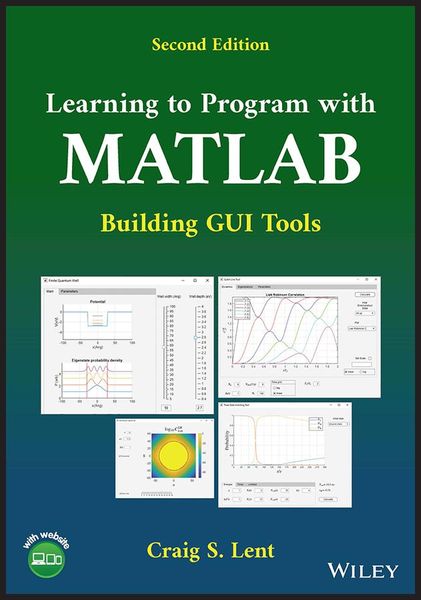
Learning to Program with MATLAB Building GUI Tools
-
- Englisch ausgewählt
-
Verlag:John Wiley & Sons
Fr. 133.00
inkl. gesetzl. MwSt.,
Beschreibung
Produktdetails
Einband
Taschenbuch
Erscheinungsdatum
23.08.2022
Verlag
John Wiley & SonsSeitenzahl
288
Maße (L/B/H)
24.8/17.8/1.5 cm
Gewicht
630 g
Auflage
2. Auflage
Sprache
Englisch
ISBN
978-1-119-90047-4
Learning to Program with MATLAB
Introductory text integrating science, mathematics, and engineering to give a basic understanding of the fundamentals of computer programming with MATLAB
Learning to Program with MATLAB: Building GUI Tools, Second Edition serves as a compact introduction to computer programming using the MATLAB language, covering elements of both program and graphical user interface (GUI) design to enable readers to create computer programs just like the ones they are accustomed to interacting with. Rather than being encyclopedic in scope, the goal of the text is to describe what users will find most useful and point to other features. Descriptions and examples of some of the most useful functions are included throughout, particularly with regards to engineering and science applications. The work also includes updated videos and problem solutions on an instructor companion website.
The first edition of Learning to Program with MATLAB employed the MATLAB graphical user interface design environment (GUIDE) to develop the GUI tools. The second edition is based on the new and improved App Designer program, which has supplanted GUIDE. This edition includes:
* Core concepts of computer programming using MATLAB, such as arrays, loops, functions, and basic data structures
* How to write your own MATLAB functions, covering topics such as local workspaces, multiple outputs, function files, and other functional forms
* The new string class and table class, some new features of function arguments, and re-written sections for building GUI tools with App Designer
* Syntax for graphics and App Designer features, plus examples demonstrating the new way to handle string information
Starting with the basics and building up to an emphasis on GUI tools, Learning to Program with MATLAB is a comprehensive introduction to programming in a robust and multipurpose language, making it an ideal classroom resource for both students and instructors in related programs of study.
Introductory text integrating science, mathematics, and engineering to give a basic understanding of the fundamentals of computer programming with MATLAB
Learning to Program with MATLAB: Building GUI Tools, Second Edition serves as a compact introduction to computer programming using the MATLAB language, covering elements of both program and graphical user interface (GUI) design to enable readers to create computer programs just like the ones they are accustomed to interacting with. Rather than being encyclopedic in scope, the goal of the text is to describe what users will find most useful and point to other features. Descriptions and examples of some of the most useful functions are included throughout, particularly with regards to engineering and science applications. The work also includes updated videos and problem solutions on an instructor companion website.
The first edition of Learning to Program with MATLAB employed the MATLAB graphical user interface design environment (GUIDE) to develop the GUI tools. The second edition is based on the new and improved App Designer program, which has supplanted GUIDE. This edition includes:
* Core concepts of computer programming using MATLAB, such as arrays, loops, functions, and basic data structures
* How to write your own MATLAB functions, covering topics such as local workspaces, multiple outputs, function files, and other functional forms
* The new string class and table class, some new features of function arguments, and re-written sections for building GUI tools with App Designer
* Syntax for graphics and App Designer features, plus examples demonstrating the new way to handle string information
Starting with the basics and building up to an emphasis on GUI tools, Learning to Program with MATLAB is a comprehensive introduction to programming in a robust and multipurpose language, making it an ideal classroom resource for both students and instructors in related programs of study.
Noch keine Bewertungen vorhanden
Verfassen Sie die erste Bewertung zu diesem Artikel
Helfen Sie anderen Kundinnen und Kunden durch Ihre Meinung.