Using The Computer & Managing Internationally recognised qualification. Prove your skills in IT. Improve your employment prospects
-
- Englisch ausgewählt
Fr. 44.90
inkl. gesetzl. MwSt.,
Beschreibung
Produktdetails
Einband
Taschenbuch
Erscheinungsdatum
01.01.2001
Verlag
SpringerSeitenzahl
119
Maße (L/B/H)
21.6/15.2/1 cm
Gewicht
232 g
Sprache
Englisch
ISBN
978-1-85233-443-7
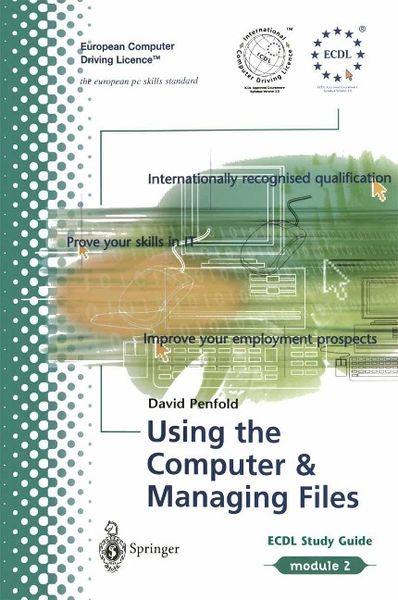
The European Computer Driving Licence (ECDL) is a European-wide qualification that enables you to demonstrate your competence in computer skills. It covers a range of specific knowledge areas and skill sets, broken down into seven modules. Module 2: Using the Computer & Managing Files covers the basic functions of a PC and its operating system. In particular it looks at operating effectively within the desktop environment, managing and organising files and directories, and working with desktop icons. This study guide will take you through all the knowledge areas and skills required to understand and pass Module 2 of the ECDL syllabus. Throughout each chapter we have used clear, jargon free, self-paced exercises that will provide you with an understanding of all the key elements which will prepare you for the ECDL Test.
Noch keine Bewertungen vorhanden
Verfassen Sie die erste Bewertung zu diesem Artikel
Helfen Sie anderen Kundinnen und Kunden durch Ihre Meinung.