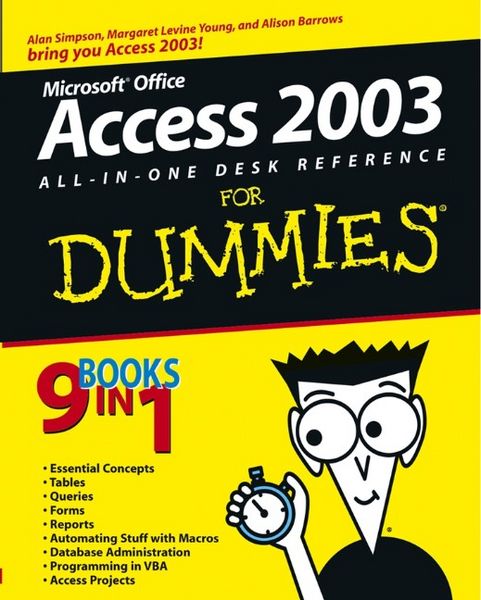
Access 2003 All-in-1 Desk Ref 9 Books in 1
Aus der Reihe
For Dummies
-
- Englisch ausgewählt
Fr. 38.90
inkl. gesetzl. MwSt.,
Beschreibung
Produktdetails
Einband
Taschenbuch
Erscheinungsdatum
01.10.2003
Verlag
John Wiley & SonsSeitenzahl
840
Maße (L/B/H)
23.8/18.6/4.6 cm
Gewicht
1216 g
Auflage
1. Auflage
Sprache
Englisch
ISBN
978-0-7645-3988-6
9 books in 1- one great price for nine handy guides
Your one-stop guide to building databases and managing information with Access 2003
Think of this book as the ultimate user-friendly Access companion, loaded with information that's simple to find. It will have you creating and using a database in no time, and the self-contained minibooks include information that works for Access 2000, 2002, and 2003. From storing, organizing, and sharing data to customizing databases with VBA, it gives you easy Access.
The Dummies Way
* Coverage of the essentials and beyond
* Explanations in plain English
* "Get in, get out" information
* Thumbtabs and other navigation aids
* Tear-out cheat sheet
* A dash of humor and fun
Your one-stop guide to building databases and managing information with Access 2003
Think of this book as the ultimate user-friendly Access companion, loaded with information that's simple to find. It will have you creating and using a database in no time, and the self-contained minibooks include information that works for Access 2000, 2002, and 2003. From storing, organizing, and sharing data to customizing databases with VBA, it gives you easy Access.
The Dummies Way
* Coverage of the essentials and beyond
* Explanations in plain English
* "Get in, get out" information
* Thumbtabs and other navigation aids
* Tear-out cheat sheet
* A dash of humor and fun
Noch keine Bewertungen vorhanden
Verfassen Sie die erste Bewertung zu diesem Artikel
Helfen Sie anderen Kundinnen und Kunden durch Ihre Meinung.