Beschreibung
Produktdetails
Einband
Taschenbuch
Erscheinungsdatum
01.06.2004
Abbildungen
w. numerous figs.
Verlag
O'Reilly MediaSeitenzahl
334
Maße (L/B/H)
23.6/17.7/2.7 cm
Gewicht
545 g
Sprache
Englisch
ISBN
978-0-596-00641-9
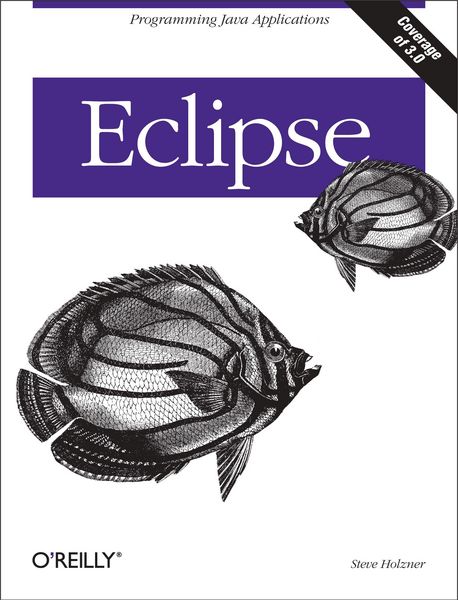
Java programmers know how finicky Java can be to work with. An omitted semi-colon or the slightest typo will cause the Java command-line compiler to spew pages of annoying error messages across your screen. And it doesn't fix them--that's up to you: fix them, compile again, and hope that nothing goes wrong this time.Eclipse, the popular Java integrated development environment (IDE) provides an elegant and powerful remedy for this common, frustrating scenario. It doesn't just catch your errors before you compile, it also suggests solutions. All you need to do is point and click. And it's free--what could be better? Still, if you're like most programmers, mastering a new technology--no matter how productive it will make you in the long run--is going to take a chunk out of your productivity now. You want to get up to speed quickly without sacrificing efficiency.O'Reilly's new guide to the technology, Eclipse, provides exactly what you're looking for: a fast-track approach to mastery of Eclipse. This insightful, hands-on book delivers clear and concise coverage, with no fluff, that gets down to business immediately. The book is tightly focused, covering all aspects of Eclipse: the menus, preferences, views, perspectives, editors, team and debugging techniques, and how they're used every day by thousands of developers. Development of practical skills is emphasized with dozens of examples presented throughout the book.From cover-to-cover, the book is pure Eclipse, covering hundreds of techniques beginning with the most basic Java development through creating your own plug-in editors for the Eclipse environment. Some of the topics you'll learn about include: Using Eclipse to develop Java code Testing and debugging Working in teams using CVS Building Eclipse projects using Ant The Standard Widget Toolkit (SWT) Web development Developing Struts applications with Eclipse.From basics to advanced topics, Eclipse takes you through the fundamentals of Eclipse and more. You may be an Eclipse novice when you pick up the book, but you'll be a pro by the time you've finished.
Noch keine Bewertungen vorhanden
Verfassen Sie die erste Bewertung zu diesem Artikel
Helfen Sie anderen Kundinnen und Kunden durch Ihre Meinung.