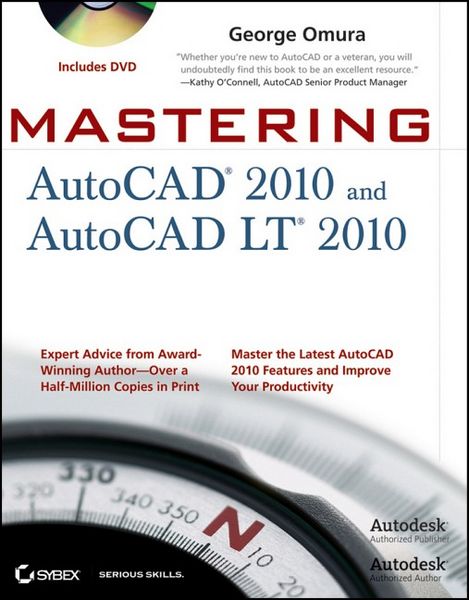
Mastering Autocad 2010 &-W/dvd
-
- Taschenbuch ausgewählt
- eBook
-
Sprache:Englisch
-
Verlag:John Wiley & Sons Inc
Fr. 72.90
inkl. gesetzl. MwSt.,
Beschreibung
Produktdetails
Einband
Taschenbuch
Erscheinungsdatum
01.06.2009
Verlag
John Wiley & Sons IncSeitenzahl
1224
Maße (L/B/H)
23.4/18.8/6.4 cm
Gewicht
1569 g
Auflage
1. Auflage
Sprache
Englisch
ISBN
978-0-470-46603-2
An award-winning author presents a detailed tutorial covering every feature of this popular program
Each year, Mastering AutoCAD appears at the top of the AutoCAD book sales charts; it's the world's all-time bestselling series on the AutoCAD design software. This revision thoroughly covers all the new features and gives you a complete education in AutoCAD and AutoCAD LT.
Whether you're an architect or drafter, involved in another discipline that uses CAD software, or an AutoCAD instructor, you'll benefit from Omura's comprehensive coverage.
* Award-winning Autodesk Authorized Author, George Omura, has written more than 20 books on AutoCAD
* Uses concise explanations, focused examples, step-by-step instructions, and hands-on projects to fully cover both AutoCAD and AutoCAD LT
* Introduces the basics of the interface and drafting tools, then moves into intermediate skills such as effectively using hatches, fields, and tables
* Elaborates on the more important skills for real world applications like layouts, plotting, and quick 3D modeling
* Showcases the newest features including parametric design, free-form 3D mesh modeling, and enhanced PDF support
* Details advanced skills including attributes, dynamic blocks, drawing curves, and macro programming
* Explores 3D modeling and imaging, and discusses customization and integration
* DVD includes video tutorials, a searchable PDF of the book, "before and after" tutorial files, a trial version of AutoCAD 2010, and additional tools and utilities
Mastering AutoCAD 2010 and AutoCAD LT 2010 is equally effective as a tutorial and a stand-alone reference for this extremely popular technical drawing software.
Note: CD-ROM/DVD and other supplementary materials are not included as part of eBook file.
Each year, Mastering AutoCAD appears at the top of the AutoCAD book sales charts; it's the world's all-time bestselling series on the AutoCAD design software. This revision thoroughly covers all the new features and gives you a complete education in AutoCAD and AutoCAD LT.
Whether you're an architect or drafter, involved in another discipline that uses CAD software, or an AutoCAD instructor, you'll benefit from Omura's comprehensive coverage.
* Award-winning Autodesk Authorized Author, George Omura, has written more than 20 books on AutoCAD
* Uses concise explanations, focused examples, step-by-step instructions, and hands-on projects to fully cover both AutoCAD and AutoCAD LT
* Introduces the basics of the interface and drafting tools, then moves into intermediate skills such as effectively using hatches, fields, and tables
* Elaborates on the more important skills for real world applications like layouts, plotting, and quick 3D modeling
* Showcases the newest features including parametric design, free-form 3D mesh modeling, and enhanced PDF support
* Details advanced skills including attributes, dynamic blocks, drawing curves, and macro programming
* Explores 3D modeling and imaging, and discusses customization and integration
* DVD includes video tutorials, a searchable PDF of the book, "before and after" tutorial files, a trial version of AutoCAD 2010, and additional tools and utilities
Mastering AutoCAD 2010 and AutoCAD LT 2010 is equally effective as a tutorial and a stand-alone reference for this extremely popular technical drawing software.
Note: CD-ROM/DVD and other supplementary materials are not included as part of eBook file.
Kundinnen und Kunden meinen
Verfassen Sie die erste Bewertung zu diesem Artikel
Helfen Sie anderen Kund*innen durch Ihre Meinung