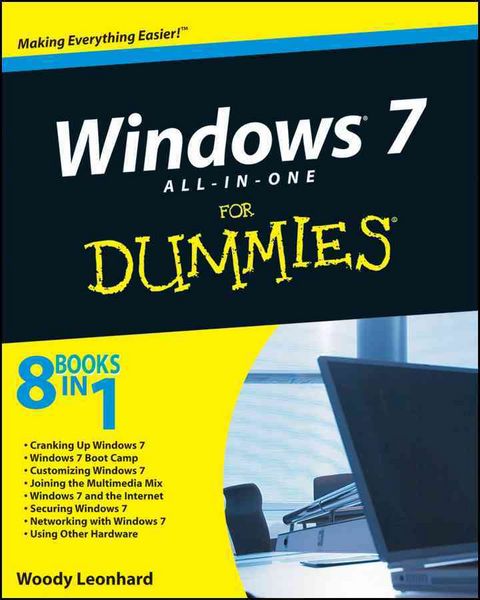
Windows 7 All-in-One For Dummies
Aus der Reihe
For Dummies
-
- Taschenbuch ausgewählt
- eBook
-
Sprache:Englisch
Fr. 46.90
inkl. gesetzl. MwSt.,
Beschreibung
Produktdetails
Einband
Taschenbuch
Erscheinungsdatum
18.09.2009
Verlag
John Wiley & SonsSeitenzahl
888
Maße (L/B/H)
4.6/18.9/23.6 cm
Gewicht
1280 g
Auflage
1. Auflage
Sprache
Englisch
ISBN
978-0-470-48763-1
Eight references in one-fully revised to include all the new features and updates to Windows 7
As the #1 operating system in the world, Windows provides the platform upon which all essential computing activities occur. This much-anticiapted version of the popular operating system offers an improved user experience with an enhanced interface to allow for greater user control.
This All-in-One reference is packed with valuable information from eight minibooks, making it the ultimate resource. You'll discover the improved ways in which Windows 7 interacts with other devices, including mobile and home theater.
* Windows 7 boasts numerous exciting new features, and this reference is one-stop shopping for discovering them all!
* Eight minibooks cover Windows 7 basics, security, customizing, the Internet, searching and sharing, hardware, multimedia, Windows media center, and wired and wireless networking
* Addresses the new multi-touch feature that will allow you to control movement on the screen with your fingers
With this comprehensive guide at your fingertips, you'll quickly start taking advantages of all the exciting new features of Windows 7
As the #1 operating system in the world, Windows provides the platform upon which all essential computing activities occur. This much-anticiapted version of the popular operating system offers an improved user experience with an enhanced interface to allow for greater user control.
This All-in-One reference is packed with valuable information from eight minibooks, making it the ultimate resource. You'll discover the improved ways in which Windows 7 interacts with other devices, including mobile and home theater.
* Windows 7 boasts numerous exciting new features, and this reference is one-stop shopping for discovering them all!
* Eight minibooks cover Windows 7 basics, security, customizing, the Internet, searching and sharing, hardware, multimedia, Windows media center, and wired and wireless networking
* Addresses the new multi-touch feature that will allow you to control movement on the screen with your fingers
With this comprehensive guide at your fingertips, you'll quickly start taking advantages of all the exciting new features of Windows 7
Noch keine Bewertungen vorhanden
Verfassen Sie die erste Bewertung zu diesem Artikel
Helfen Sie anderen Kundinnen und Kunden durch Ihre Meinung.