Band 6
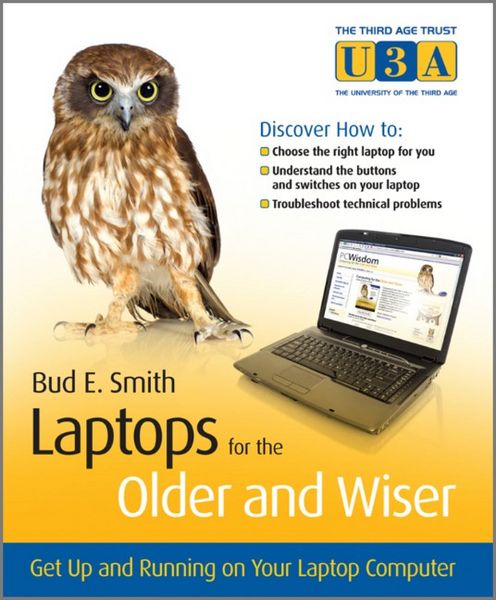
Laptops for the Older and Wiser Get Up and Running on Your Laptop Computer
Aus der Reihe
The Third Age Trust (U3A)/Older & Wiser
-
- Taschenbuch ausgewählt
- eBook
-
Sprache:Englisch
Fr. 33.90
inkl. gesetzl. MwSt.,
Beschreibung
Produktdetails
Einband
Taschenbuch
Erscheinungsdatum
01.05.2010
Verlag
John Wiley & Sons IncSeitenzahl
286
Maße (L/B/H)
20.6/17.3/1.5 cm
Gewicht
544 g
Auflage
1. Auflage
Sprache
Englisch
ISBN
978-0-470-68596-9
Helpful, easy-to-follow guide for new laptop users over the age of 50
Laptops are fun and more popular than ever, but they are still computers and come with their own set of issues: easier to steal, more likely to be dropped, often dependent on wireless Internet access, and other concerns. If you're entering the computer world as an older adult--and wondering about laptops--this straightforward, helpful book is for you.
Written in full color with lots of screenshots and clear, easy-to-read type, this friendly guide walks you through the process from start to finish: selecting which type of laptop is right for you (PC or Mac?), handling setup, safely adding wireless Internet access, staying secure online, and much more.
* Provides guidance for purchasing your laptop, bringing it home, and setting up
* Walks you through all the various connections, buttons and switches
* Shows you how to connect wirelessly at home and abroad, safely
* Delves into laptop accessories, whether you need them, and how to get the most out of them
* Addresses online security issues and how to stay safe
* Explores troubleshooting problems and how to save your precious data
Prepare properly, enjoy the freedom, and maybe even show the kids a thing or two with this fun and practical guide!
Laptops are fun and more popular than ever, but they are still computers and come with their own set of issues: easier to steal, more likely to be dropped, often dependent on wireless Internet access, and other concerns. If you're entering the computer world as an older adult--and wondering about laptops--this straightforward, helpful book is for you.
Written in full color with lots of screenshots and clear, easy-to-read type, this friendly guide walks you through the process from start to finish: selecting which type of laptop is right for you (PC or Mac?), handling setup, safely adding wireless Internet access, staying secure online, and much more.
* Provides guidance for purchasing your laptop, bringing it home, and setting up
* Walks you through all the various connections, buttons and switches
* Shows you how to connect wirelessly at home and abroad, safely
* Delves into laptop accessories, whether you need them, and how to get the most out of them
* Addresses online security issues and how to stay safe
* Explores troubleshooting problems and how to save your precious data
Prepare properly, enjoy the freedom, and maybe even show the kids a thing or two with this fun and practical guide!
Noch keine Bewertungen vorhanden
Verfassen Sie die erste Bewertung zu diesem Artikel
Helfen Sie anderen Kundinnen und Kunden durch Ihre Meinung.