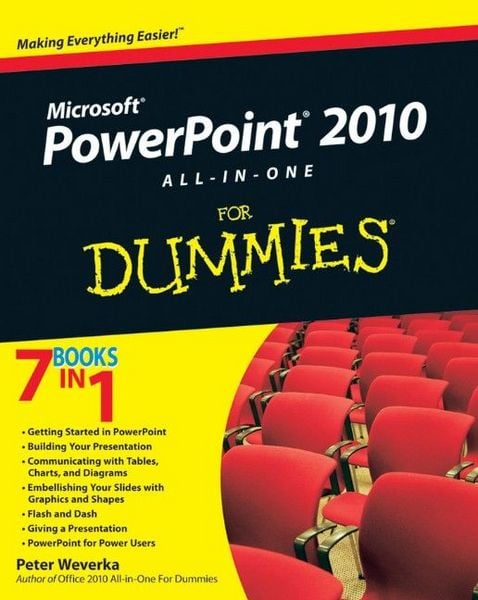
PowerPoint 2010 All-in-One For Dummies
Aus der Reihe
For Dummies
-
- Taschenbuch ausgewählt
- eBook
-
Sprache:Englisch
Fr. 51.90
inkl. gesetzl. MwSt.,
Beschreibung
Produktdetails
Einband
Taschenbuch
Verlag
John Wiley & Sons IncSeitenzahl
600
Maße (L/B/H)
3.2/18.9/23.4 cm
Sprache
Englisch
ISBN
978-0-470-50099-6
A fully updated guide to creating dynamic presentations with PowerPoint 2010
PowerPoint dominates the presentation landscape. With the changes in PowerPoint 2010, including the availability of an online version, PowerPoint users need this comprehensive reference to make the most of the program.
PowerPoint 2010 All-in-One For Dummies features in-depth coverage of the elements and the process involved in creating knockout presentations. Seven minibooks cover all the new 2010 features, providing a great education for beginners and showing PowerPoint veterans lots of new tricks.
* PowerPoint is the leading presentation software used in business and education; new features in PowerPoint 2010 include an online version and expanded audiovisual capabilities
* Seven self-contained minibooks cover getting started; building a presentation; tables, charts, and diagrams; graphics and shapes; adding audio, video, and animation; giving the presentation; and PowerPoint for power users
* Explains how to use the interface and tools and shows how to represent data visually for greater impact
* Provides important tips on adding the human element when making a presentation
* Gives advanced users advice on creating templates, collaboration, automation, and more
PowerPoint 2010 All-in-One For Dummies gets novices up to speed and helps experienced users take their skills to the next level.
PowerPoint dominates the presentation landscape. With the changes in PowerPoint 2010, including the availability of an online version, PowerPoint users need this comprehensive reference to make the most of the program.
PowerPoint 2010 All-in-One For Dummies features in-depth coverage of the elements and the process involved in creating knockout presentations. Seven minibooks cover all the new 2010 features, providing a great education for beginners and showing PowerPoint veterans lots of new tricks.
* PowerPoint is the leading presentation software used in business and education; new features in PowerPoint 2010 include an online version and expanded audiovisual capabilities
* Seven self-contained minibooks cover getting started; building a presentation; tables, charts, and diagrams; graphics and shapes; adding audio, video, and animation; giving the presentation; and PowerPoint for power users
* Explains how to use the interface and tools and shows how to represent data visually for greater impact
* Provides important tips on adding the human element when making a presentation
* Gives advanced users advice on creating templates, collaboration, automation, and more
PowerPoint 2010 All-in-One For Dummies gets novices up to speed and helps experienced users take their skills to the next level.
Noch keine Bewertungen vorhanden
Verfassen Sie die erste Bewertung zu diesem Artikel
Helfen Sie anderen Kundinnen und Kunden durch Ihre Meinung.