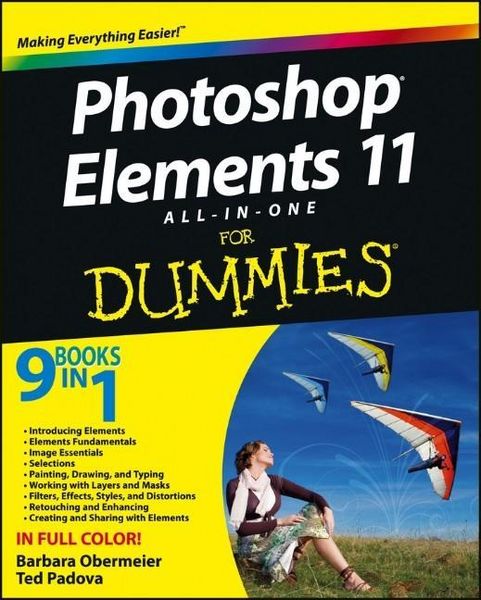
Photoshop Elements 11 All-in-One For Dummies
Aus der Reihe
For Dummies
-
- Englisch ausgewählt
Fr. 56.90
inkl. gesetzl. MwSt.,
Beschreibung
Produktdetails
Einband
Taschenbuch
Verlag
John Wiley & Sons IncSeitenzahl
688
Maße (L/B/H)
5.1/18.4/25.3 cm
Gewicht
1301 g
Auflage
1. Auflage
Sprache
Englisch
ISBN
978-1-118-40822-3
Bring out the best in your images with the latest version of Photoshop Elements
Photoshop Elements is the top selling consumer photo editing software and Adobe continues to add innovative features that allow digital photo enthusiasts to do it all. This value-packed reference combines nine content-rich minibooks in one complete package. User-friendly and detailed, it covers the key features and tools that beginner and experienced users need to create high-quality images for print, e-mail, and the web using the latest release of Photoshop Elements: Photoshop Elements 11. Presented in full color, this resource goes beyond the basics of the application and is undoubtedly the most comprehensive Elements book on the market.
Explores filters, effects, styles, and distortions
Shows you how to enhance your images by painting, drawing, and typing
Walks you through working with layers and masks
Details ways to retouch and enhance your photos
Checks out the toolbox, options, and other essential menus
Fantastic photos and interesting images are just a click away with Photoshop Elements 11 All-in-One For Dummies!
Photoshop Elements is the top selling consumer photo editing software and Adobe continues to add innovative features that allow digital photo enthusiasts to do it all. This value-packed reference combines nine content-rich minibooks in one complete package. User-friendly and detailed, it covers the key features and tools that beginner and experienced users need to create high-quality images for print, e-mail, and the web using the latest release of Photoshop Elements: Photoshop Elements 11. Presented in full color, this resource goes beyond the basics of the application and is undoubtedly the most comprehensive Elements book on the market.
Explores filters, effects, styles, and distortions
Shows you how to enhance your images by painting, drawing, and typing
Walks you through working with layers and masks
Details ways to retouch and enhance your photos
Checks out the toolbox, options, and other essential menus
Fantastic photos and interesting images are just a click away with Photoshop Elements 11 All-in-One For Dummies!
Noch keine Bewertungen vorhanden
Verfassen Sie die erste Bewertung zu diesem Artikel
Helfen Sie anderen Kundinnen und Kunden durch Ihre Meinung.