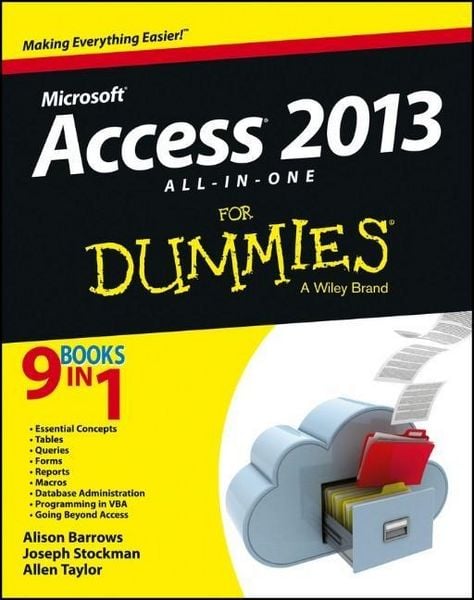
Access 2013 All-in-One For Dummies
Aus der Reihe
For Dummies
-
- Englisch ausgewählt
Fr. 51.90
inkl. gesetzl. MwSt.,
Beschreibung
Produktdetails
Einband
Taschenbuch
Erscheinungsdatum
29.03.2013
Verlag
John Wiley & SonsSeitenzahl
800
Maße (B/H)
15/25 cm
Gewicht
998 g
Sprache
Englisch
ISBN
978-1-118-51055-1
Get started with the new Access 2013 with this impressive all-in-one reference!
Microsoft Access allows you to store, organize, view, analyze, and share data; the new release enables you to build even more powerful, custom database solutions that integrate with the web and enterprise data sources. This compilation of nine indispensible minibooks is exactly what you need to get up to speed on the latest changes to Access. This easy-to-understand resource provides both new and experienced Access users with invaluable advice for connecting Access to SQL Server, manipulating data locally, getting up to speed on the latest features of Access 2013, creating queries and macros, and much more. From the basics to advanced functions, this book is what you need to make Access more accessible.
* Shows you how to store, organize, view, analyze, and share data using Access 2013
* Includes nine minibooks that cover such topics as database design, tables, queries, forms, reports, macros, database administration, securing data, programming with Visual Basic for Applications (VBA), and using Access with the web
* Helps you build database solutions that integrate with the web and other enterprise data solutions
* Offers plenty of techniques, tips, and tricks to help you get the most out of Access
This all-in-one guide offers you access to all things Access 2013!
Microsoft Access allows you to store, organize, view, analyze, and share data; the new release enables you to build even more powerful, custom database solutions that integrate with the web and enterprise data sources. This compilation of nine indispensible minibooks is exactly what you need to get up to speed on the latest changes to Access. This easy-to-understand resource provides both new and experienced Access users with invaluable advice for connecting Access to SQL Server, manipulating data locally, getting up to speed on the latest features of Access 2013, creating queries and macros, and much more. From the basics to advanced functions, this book is what you need to make Access more accessible.
* Shows you how to store, organize, view, analyze, and share data using Access 2013
* Includes nine minibooks that cover such topics as database design, tables, queries, forms, reports, macros, database administration, securing data, programming with Visual Basic for Applications (VBA), and using Access with the web
* Helps you build database solutions that integrate with the web and other enterprise data solutions
* Offers plenty of techniques, tips, and tricks to help you get the most out of Access
This all-in-one guide offers you access to all things Access 2013!
Noch keine Bewertungen vorhanden
Verfassen Sie die erste Bewertung zu diesem Artikel
Helfen Sie anderen Kundinnen und Kunden durch Ihre Meinung.