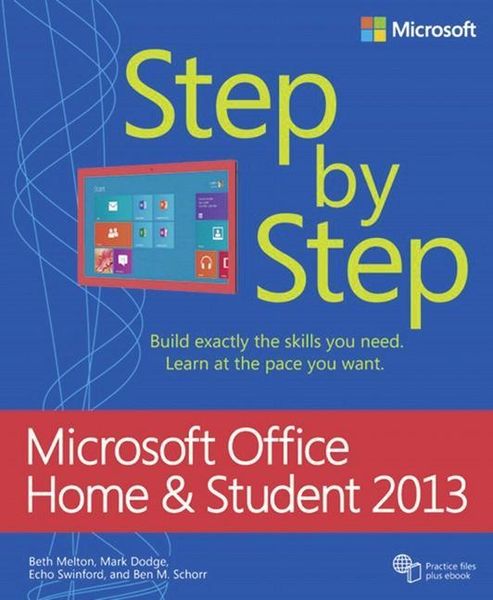
Produktbild: Melton, B: Microsoft Office Home and Student 2013 Step by St

Melton, B: Microsoft Office Home and Student 2013 Step by St Build exactly the skills you need. Learn at the pace you want. Practice files plus ebook

Fr. 34.90

inkl. gesetzl. MwSt., Versandkostenfrei


Beschreibung

Produktdetails

Einband

Taschenbuch

Erscheinungsdatum

15.05.2013

Abbildungen

mit Illustrationen

Verlag

Microsoft Press

Seitenzahl

832

Maße (L/B/H)

22.8/18.8/3.7 cm

Gewicht

1197 g

Sprache

Englisch

ISBN

978-0-7356-6940-6

Beschreibung

Produktdetails

Einband

Taschenbuch

Erscheinungsdatum

15.05.2013

Abbildungen

mit Illustrationen

Verlag

Microsoft Press

Seitenzahl

832

Maße (L/B/H)

22.8/18.8/3.7 cm

Gewicht

1197 g

Sprache

Englisch

ISBN

978-0-7356-6940-6

Noch keine Bewertungen vorhanden

Verfassen Sie die erste Bewertung zu diesem Artikel

Helfen Sie anderen Kundinnen und Kunden durch Ihre Meinung.

Kundinnen und Kunden meinen

Bewertungen (0)

  • Produktbild: Melton, B: Microsoft Office Home and Student 2013 Step by St
  • * Introduction * Office Home and Student 2013 fundamentals * Chapter 1: Getting comfortable in Office Home and Student 2013 * Chapter 2: Using shared Office features * Chapter 3: Sharing and collaborating * Chapter 4: Using touch in Office * Word 2013 * Chapter 5: Getting comfortable in Word 2013 * Chapter 6: Navigating and reading documents * Chapter 7: Editing and composing documents * Chapter 8: Formatting documents * Chapter 9: Presenting information * Chapter 10: Finalizing documents * PowerPoint 2013 * Chapter 11: Getting comfortable in PowerPoint 2013 * Chapter 12: Designing and creating presentations * Chapter 13: Creating on-slide content * Chapter 14: Creating Office graphics * Chapter 15: Adding animation and multimedia * Chapter 16: Finalizing and presenting * Excel 2013 * Chapter 17: Getting comfortable in Excel 2013 * Chapter 18: Creating and editing worksheets * Chapter 19: Manipulating numbers and text * Chapter 20: Analyzing data * Chapter 21: Formatting worksheets * Chapter 22: Manipulating workbooks and worksheets * Chapter 23: Creating charts and graphics * OneNote 2013 * Chapter 24: Getting comfortable in OneNote 2013 * Chapter 25: Working with notebooks, sections, and pages * Chapter 26: Using organizational tools * Chapter 27: Sharing notes with others * Chapter 28: Using OneNote everywhere * Chapter 29: Saving time with OneNote * About the authors