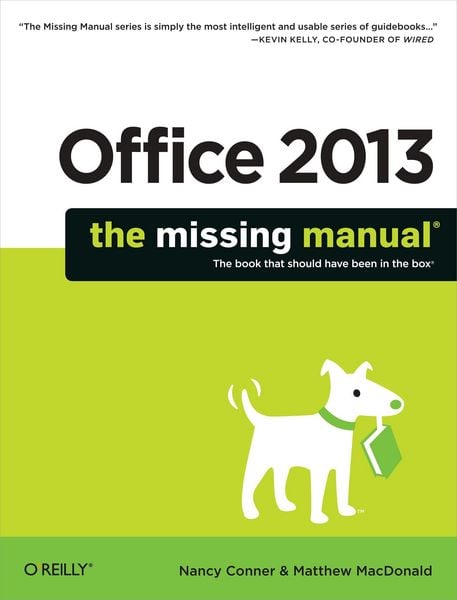
Office 2013: The Missing Manual
-
- Taschenbuch ausgewählt
- eBook
-
Sprache:Englisch
Fr. 42.90
inkl. gesetzl. MwSt.,
Beschreibung
Produktdetails
Einband
Taschenbuch
Erscheinungsdatum
09.07.2013
Abbildungen
w. figs.
Verlag
O'Reilly MediaSeitenzahl
1048
Maße (L/B/H)
23.3/18.1/6 cm
Gewicht
1711 g
Sprache
Englisch
ISBN
978-1-4493-5708-5
Microsoft Office is the most widely used productivity software in the world, but most people just know the basics. This helpful guide gets you started with the programs in Office 2013, and provides lots of power-user tips and tricks when you're ready for more. You'll learn about Office's new templates and themes, touchscreen features, and other advances, including Excel's Quick Analysis tool.
The important stuff you need to know: Create professional-looking documents. Use Word to craft reports, newsletters, and brochures for the Web and desktop. Stay organized. Set up Outlook to track your email, contacts, appointments, and tasks. Work faster with Excel. Determine the best way to present your data with the new Quick Analysis tool. Make inspiring presentations. Build PowerPoint slideshows with video and audio clips, charts and graphs, and animations. Share your Access database. Design a custom database and let other people view it in their web browsers. Get to know the whole suite. Use other handy Office tools: Publisher, OneNote, and a full range of Office Web Apps. Create and share documents in the cloud. Upload and work with your Office files in Microsoft's SkyDrive.
The important stuff you need to know: Create professional-looking documents. Use Word to craft reports, newsletters, and brochures for the Web and desktop. Stay organized. Set up Outlook to track your email, contacts, appointments, and tasks. Work faster with Excel. Determine the best way to present your data with the new Quick Analysis tool. Make inspiring presentations. Build PowerPoint slideshows with video and audio clips, charts and graphs, and animations. Share your Access database. Design a custom database and let other people view it in their web browsers. Get to know the whole suite. Use other handy Office tools: Publisher, OneNote, and a full range of Office Web Apps. Create and share documents in the cloud. Upload and work with your Office files in Microsoft's SkyDrive.
Noch keine Bewertungen vorhanden
Verfassen Sie die erste Bewertung zu diesem Artikel
Helfen Sie anderen Kundinnen und Kunden durch Ihre Meinung.