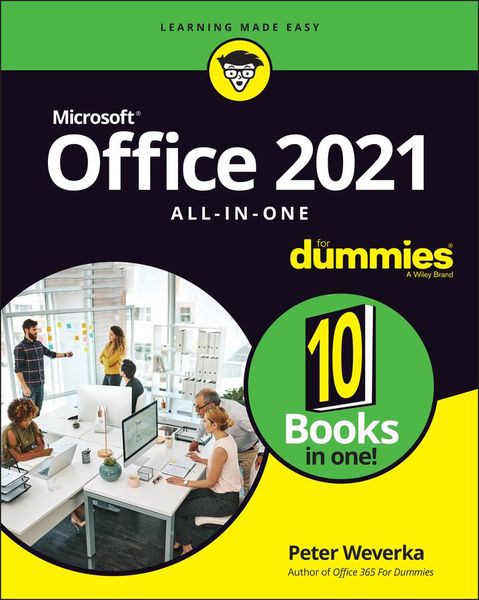
Beschreibung
Produktdetails
Einband
Taschenbuch
Erscheinungsdatum
05.05.2022
Verlag
John Wiley & Sons IncSeitenzahl
800
Maße (L/B/H)
23.5/19.1/4.7 cm
Gewicht
1050 g
Auflage
1. Auflage
Sprache
Englisch
ISBN
978-1-119-83141-9
Say hello to Office productivity with this one-stop reference
With Office 2021 All-in-One For Dummies, you can get up and running with Microsoft's legendary software suite. This update covers all the tweaks you can find in the latest version of Word, Excel, PowerPoint, Outlook, and Teams. You'll also learn how to make these apps work harder for you, because we dig deep into the tips and features that casual Office users might not know about. This edition also offers expanded coverage of Teams and other collaborative tools, so you can nail working from home, or just get a few of those meetings out of the way without having to leave your desk.
How can you quickly give documents the same format in Word? What was that one useful Excel function, again? And how does setting up a meeting on Teams work? Office 2021 All-in-One For Dummies serves up quick and simple answers to these questions, along with hundreds of other answers you're expected to know when you work in Office.
* Learn how Microsoft Office works and get the most out of Word, Excel, PowerPoint, Outlook, and Teams
* Make amazing charts and graphs that you can plug into your documents, spreadsheets, and presentations
* Get better at working collaboratively with file sharing options and other neat features
* Do more, faster with expert tips and guidance on the full suite of Office software for 2021
Whether you're new to Office or just need a refresher for the newest updates, the nine mini-books inside are your keys to getting stuff done.
With Office 2021 All-in-One For Dummies, you can get up and running with Microsoft's legendary software suite. This update covers all the tweaks you can find in the latest version of Word, Excel, PowerPoint, Outlook, and Teams. You'll also learn how to make these apps work harder for you, because we dig deep into the tips and features that casual Office users might not know about. This edition also offers expanded coverage of Teams and other collaborative tools, so you can nail working from home, or just get a few of those meetings out of the way without having to leave your desk.
How can you quickly give documents the same format in Word? What was that one useful Excel function, again? And how does setting up a meeting on Teams work? Office 2021 All-in-One For Dummies serves up quick and simple answers to these questions, along with hundreds of other answers you're expected to know when you work in Office.
* Learn how Microsoft Office works and get the most out of Word, Excel, PowerPoint, Outlook, and Teams
* Make amazing charts and graphs that you can plug into your documents, spreadsheets, and presentations
* Get better at working collaboratively with file sharing options and other neat features
* Do more, faster with expert tips and guidance on the full suite of Office software for 2021
Whether you're new to Office or just need a refresher for the newest updates, the nine mini-books inside are your keys to getting stuff done.
Noch keine Bewertungen vorhanden
Verfassen Sie die erste Bewertung zu diesem Artikel
Helfen Sie anderen Kundinnen und Kunden durch Ihre Meinung.