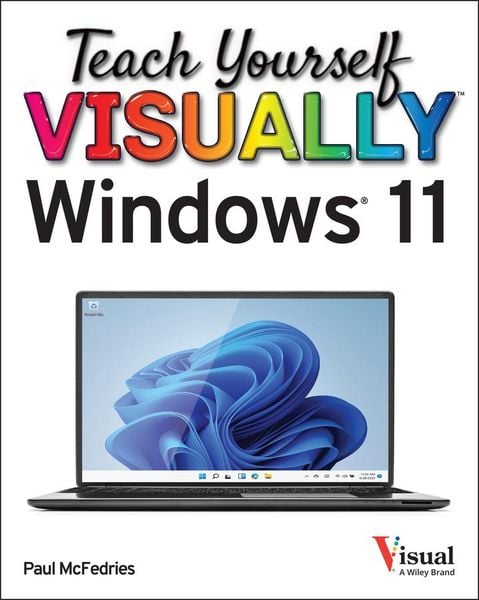
Teach Yourself VISUALLY Windows 11
Aus der Reihe
Teach Yourself VISUALLY (Tech)
-
- Englisch ausgewählt
-
Verlag:John Wiley & Sons Inc
- Wiley Fr. 47.90
- John Wiley & Sons Inc Fr. 47.90 ausgewählt
Fr. 47.90
inkl. gesetzl. MwSt.,
Beschreibung
Produktdetails
Einband
Taschenbuch
Verlag
John Wiley & Sons IncSeitenzahl
352
Maße (L/B/H)
1.6/19.1/23.6 cm
Gewicht
700 g
Auflage
1. Auflage
Sprache
Englisch
ISBN
978-1-119-86644-2
Everything you need to know about Windows 11 in a single, visual book
Teach Yourself VISUALLY Windows 11 collects all the resources you need to master the day-to-day use of Microsoft's new operating system and delivers them in a single resource. Fully illustrated, step-by-step instructions are combined with crystal-clear screenshots to walk you through the basic and advanced functions of Windows 11.
Teach Yourself VISUALLY Windows 11 offers the best visual learning techniques with comprehensive source material about the interface and substance of Windows 11, as well as:
* Stepwise guidance on working with files, digital pictures, and media
* Instructions for customizing Windows 11 and sharing your computer with family members
* Tutorials on installing and repairing applications, system maintenance, and computer security
The fastest, easiest way for visual learners to get a grip on Windows 11, Teach Yourself VISUALLY Windows 11 is the best way to go from newbie to expert in no time at all.
Teach Yourself VISUALLY Windows 11 collects all the resources you need to master the day-to-day use of Microsoft's new operating system and delivers them in a single resource. Fully illustrated, step-by-step instructions are combined with crystal-clear screenshots to walk you through the basic and advanced functions of Windows 11.
Teach Yourself VISUALLY Windows 11 offers the best visual learning techniques with comprehensive source material about the interface and substance of Windows 11, as well as:
* Stepwise guidance on working with files, digital pictures, and media
* Instructions for customizing Windows 11 and sharing your computer with family members
* Tutorials on installing and repairing applications, system maintenance, and computer security
The fastest, easiest way for visual learners to get a grip on Windows 11, Teach Yourself VISUALLY Windows 11 is the best way to go from newbie to expert in no time at all.
Noch keine Bewertungen vorhanden
Verfassen Sie die erste Bewertung zu diesem Artikel
Helfen Sie anderen Kundinnen und Kunden durch Ihre Meinung.