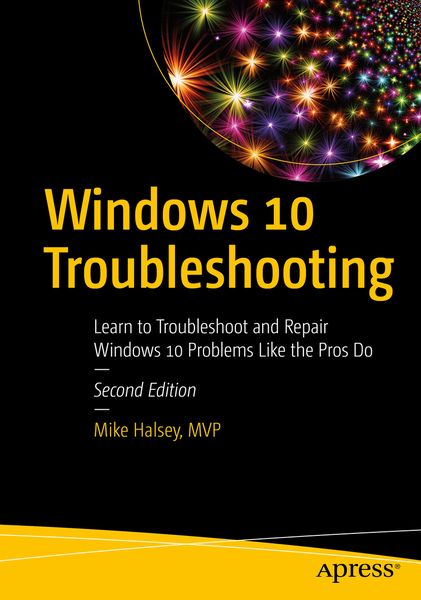
Windows 10 Troubleshooting Learn to Troubleshoot and Repair Windows 10 Problems Like the Pros Do
-
- Taschenbuch ausgewählt
- eBook
-
Sprache:Englisch
Fr. 88.90
inkl. gesetzl. MwSt.,
Beschreibung
Produktdetails
Einband
Taschenbuch
Erscheinungsdatum
09.12.2021
Abbildungen
XXVIII, 803 p. 522 illus.
Verlag
ApressSeitenzahl
803
Maße (L/B/H)
25.4/17.8/4.4 cm
Gewicht
1533 g
Auflage
2nd edition
Sprache
Englisch
ISBN
978-1-4842-7470-5
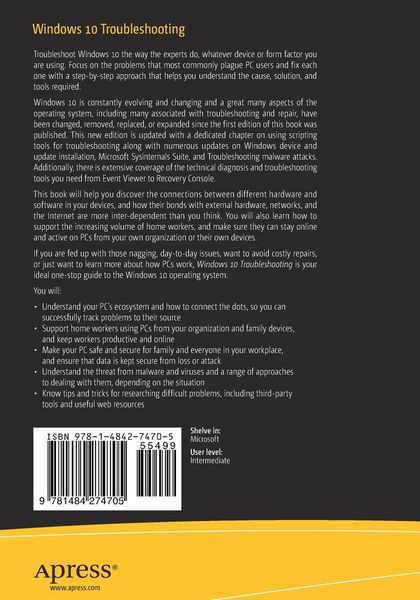
Troubleshoot Windows 10 the way the experts do, whatever device or form factor you are using. Focus on the problems that most commonly plague PC users and fix each one with a step-by-step approach that helps you understand the cause, solution, and tools required.
Windows 10 is constantly evolving and changing and a great many aspects of the operating system, including many associated with troubleshooting and repair, have been changed, removed, replaced, or expanded since the first edition of this book was published. This new edition is updated with a dedicated chapter on using scripting tools for troubleshooting along with numerous updates on Windows device and update installation, Microsoft Sysinternals Suite, and Troubleshooting malware attacks. Additionally, there is extensive coverage of the technical diagnosis and troubleshooting tools you need from Event Viewer to Recovery Console.
This book will help you discover the connections between different hardware and software in your devices, and how their bonds with external hardware, networks, and the Internet are more inter-dependent than you think. You will also learn how to support the increasing volume of home workers, and make sure they can stay online and active on PCs from your own organization or their own devices.
If you are fed up with those nagging, day-to-day issues, want to avoid costly repairs, or just want to learn more about how PCs work, Windows 10 Troubleshooting is your ideal one-stop guide to the Windows 10 operating system.
What You Will Learn
- Understand your PC’s ecosystem and how to connect the dots, so you can successfully track problems to their source
- Support home workers using PCs from your organization and family devices, and keep workers productive and online
- Make your PC safe and secure for family and everyone in your workplace, and ensure that datais kept secure from loss or attack
- Understand the threat from malware and viruses and a range of approaches to dealing with them, depending on the situation
- Know tips and tricks for researching difficult problems, including third-party tools and useful web resources
Who This Book Is For
Anyone using Windows 10 on a desktop, laptop, or hybrid device
Noch keine Bewertungen vorhanden
Verfassen Sie die erste Bewertung zu diesem Artikel
Helfen Sie anderen Kundinnen und Kunden durch Ihre Meinung.