Beschreibung
Produktdetails
Einband
Taschenbuch
Erscheinungsdatum
27.11.2024
Verlag
WileySeitenzahl
480
Maße (L/B/H)
23.4/18.3/3 cm
Gewicht
863 g
Sprache
Englisch
ISBN
978-1-394-28676-8
Learn the ins and outs of macOS with the top-selling Dummies guide
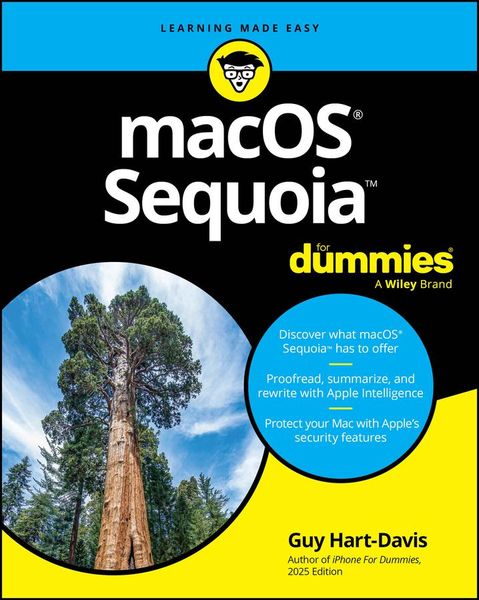
macOS 2025 For Dummies is here to help you get acquainted with the operating system that makes your Mac computer go. Get easy-to-follow instructions for doing everything you need and taking advantage of the hottest features. If you've just jumped on the Mac bandwagon, veteran macOS writer Guy Hart-Davis shows you how to get started with Desktop and Finder. Soon, you'll graduate to topics like organizing your life with files and folders; connecting with friends and family through Mail, Messages, and FaceTime; and keeping your data safe against loss or harm. Getting familiar with your operating system is one of the best ways to improve your computing skill and make your digital life even easier.
- Navigate macOS and organize your files like a pro
- Enjoy music, photos, movies and more on your Mac
- Make the most of the powerful tools that come with macOS
- Troubleshoot common macOS problems and learn how to get support
This is the ideal Dummies guide for new Mac users or veteran Mac users who need to get up to speed with the latest macOS updates.
Noch keine Bewertungen vorhanden
Verfassen Sie die erste Bewertung zu diesem Artikel
Helfen Sie anderen Kundinnen und Kunden durch Ihre Meinung.